Customers and suppliers
Know where every balance stands.
Keep party details, opening balances and dated transactions together in one running account history.
Open a party to see the full account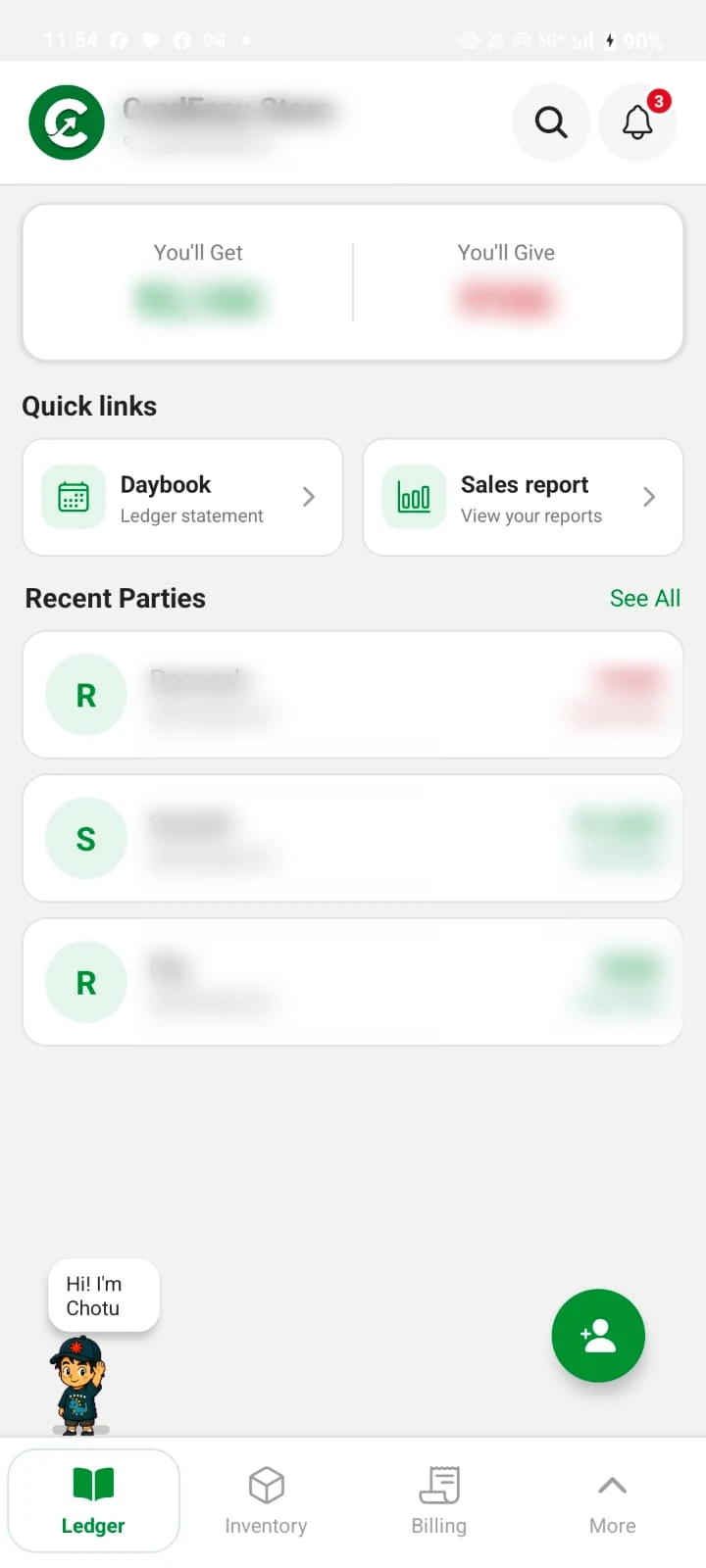
Track who owes you, what is in stock, and the bills you have made.
Keep the everyday details close, from a party’s balance to the stock on your shelf.
Customers and suppliers
Keep party details, opening balances and dated transactions together in one running account history.
Open a party to see the full account
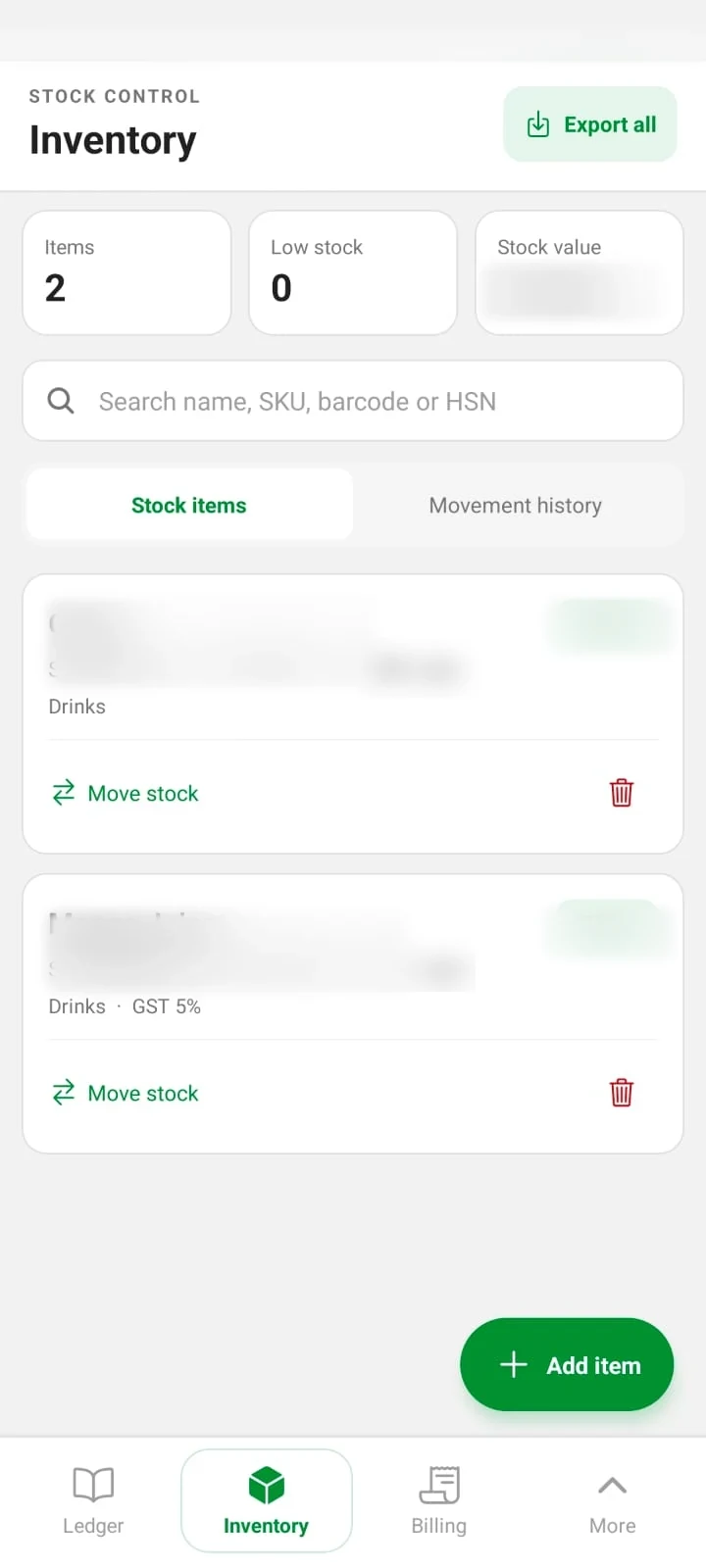
Items and stock
Save useful item details, update quantities as stock moves, and return to the movement history.
Search by name, SKU, barcode or HSN
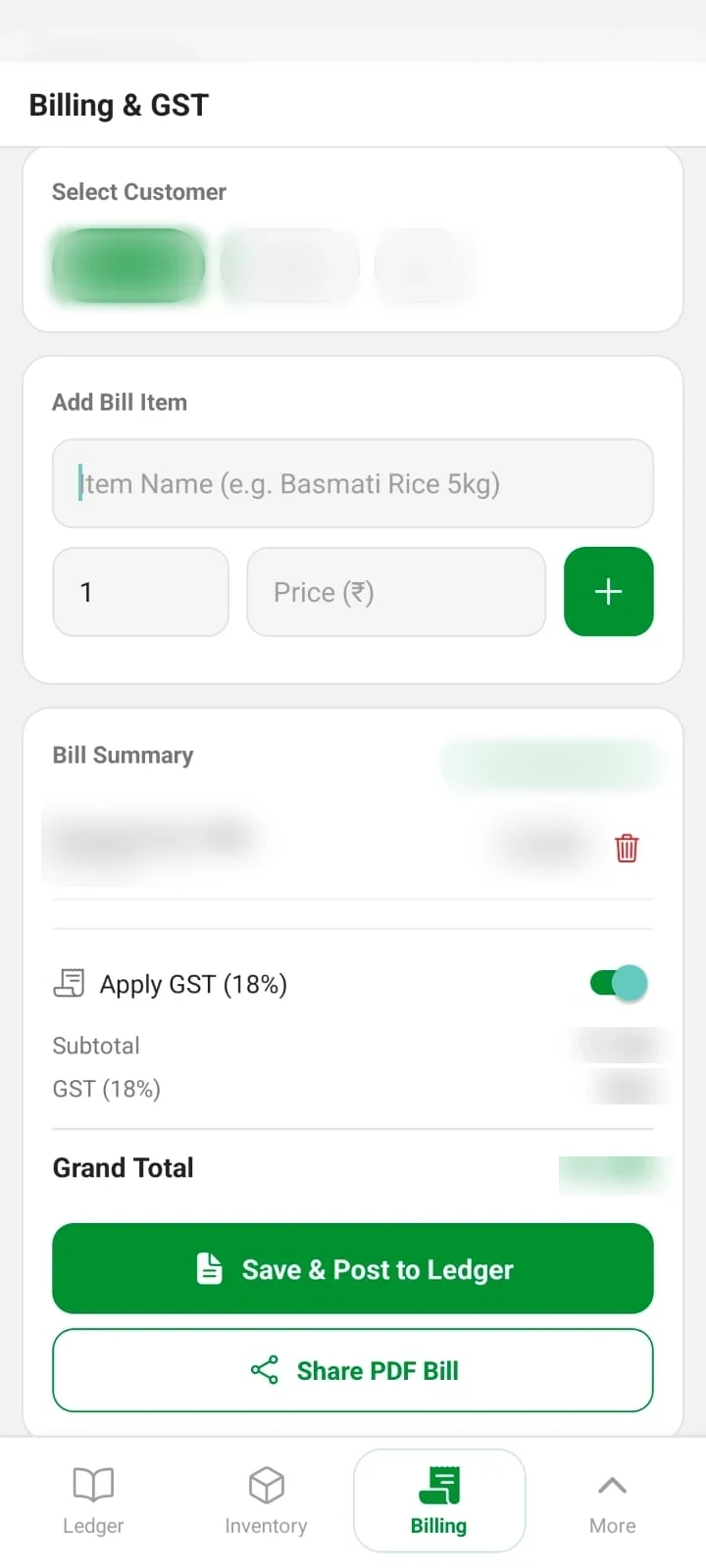
Billing and GST
Add items, review the GST and total, then save the bill to the ledger or share it as a PDF.
Billing details stay with your records
Add a party, record the activity, then return to a dated history when you need the detail.
Save customer and supplier details, then view each relationship’s opening balance and transactions.
Add ledger entries, bills and stock movements as your business day unfolds.
Use the daybook and reports to review the business records you have entered.
Choose how CredEasy stores and backs up your business information. Each option works differently.
Local-only mode keeps ledger information in app storage on your device. Cloud sync and Drive backup are off in this mode.
Sign in with Google and grant Drive access to use the app’s backup and restore features. Check that a backup completes.
Cloud sync may be available across your signed-in devices. Network or service issues can delay it, so it is not a substitute for a verified Drive backup.
CredEasy is free to use and supported by ads.
CredEasy
₹0
Ads may appear while you use the app.
Choose the setup that fits how you want to store and back up your business records.
You can choose local-only offline mode. In that mode, your ledger stays in local app storage and cloud sync and Drive backup are disabled.
Sign in with Google and grant the Drive permission requested by the app. Backup and restore are available through the Google Drive Backup screen.
CredEasy includes parties and transaction history, optional inventory, billing and reports. The exact features you use depend on your business.
No. CredEasy is free to use and supported by ads. There is no subscription or trial period.
Questions about CredEasy or its features?
Contact CredEasy